stage and rehearsal prep
Half-step-down bass overdub slate for creators who forget the target
A studio-overdub checklist for content creators recording half-step-down bass, with the target notes, cue-sheet wording, noise fallback, and listening checks that prevent the wrong tuning from reaching the take.
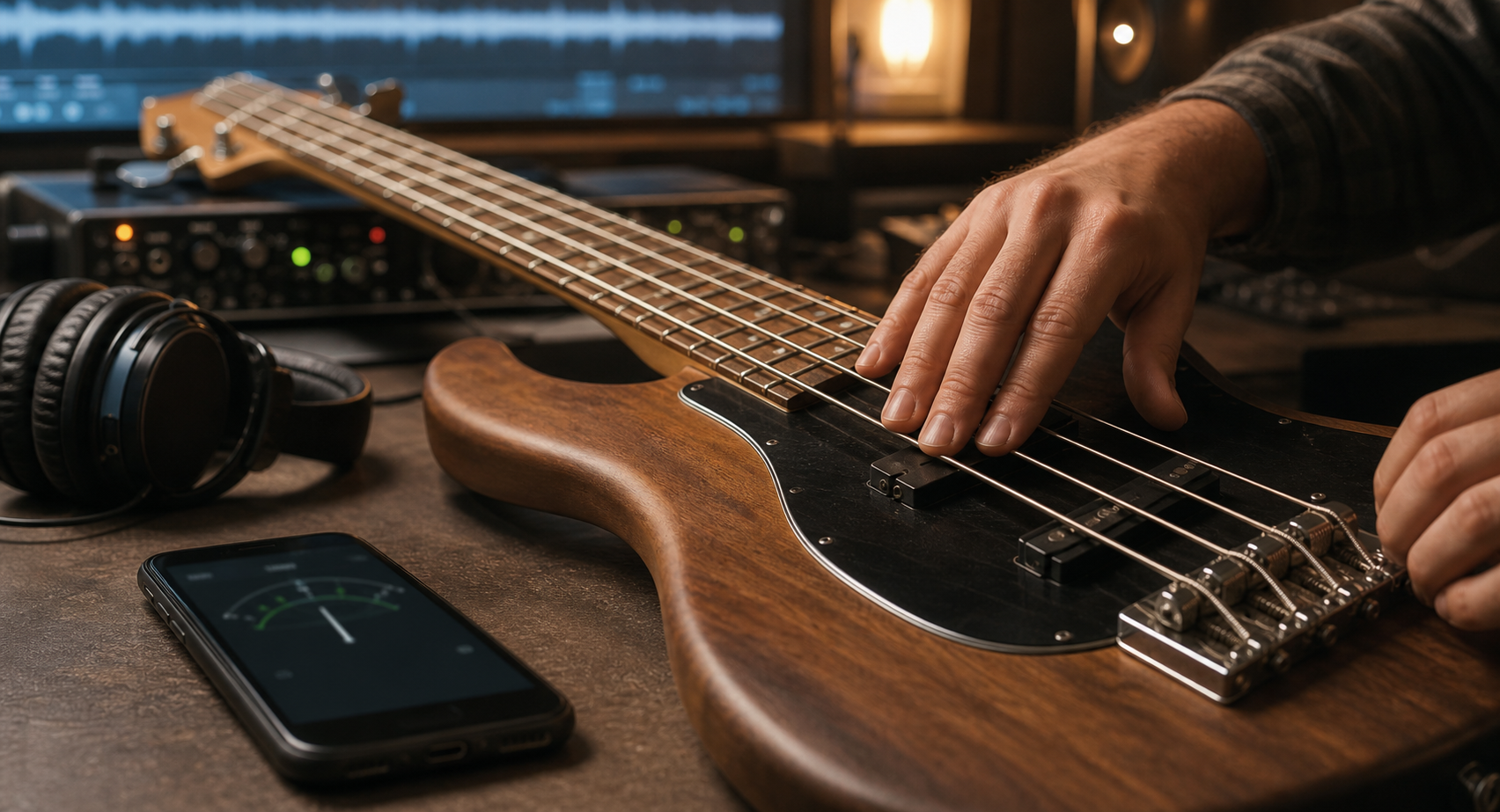
Short answer
For half-step-down bass during studio overdubs, write the target notes Eb1 Ab1 Db2 Gb2 before the first take, confirm whether the guide track follows the same reference, and check the strings with playback muted. If the song needs a tuning that is easy to forget, use TuneLT as the bass tuner reference pass with local microphone pitch detection, then keep a one-line fallback note for noisy stage or room conditions so the creator can retune quickly without guessing.
Make the tuning a slate, not a memory test
A content creator can lose half-step-down bass surprisingly fast. The guitar part might be labeled Eb, the file name might say half-step, the bass case might still hold standard EADG muscle memory, and the camera or screen recording can push the player into performance mode before the instrument is checked. In a studio overdub, that small memory slip can turn into a take that sounds confident and wrong.
The practical fix is to slate the tuning the way an engineer slates a take. Put the target on the same note that names the song, take number, guide-track source, and pickup or DI setting. For four-string bass half-step down, the low-to-high target is Eb1, Ab1, Db2, and Gb2. Do not rely on the phrase half-step down alone; it is too easy to read correctly and still grab the wrong string order under session pressure.
This article is not a general bass tuning routine. It is a creator workflow for overdubs: keep the target visible, reduce the room noise that fools a microphone, confirm the line against the track, and keep a quick fallback for the day the same bass has to move from studio capture to a noisy stage or rehearsal clip.
- Slate line: half-step-down bass, Eb1 Ab1 Db2 Gb2, reference source, take number.
- Memory risk: standard EADG hand habits return between camera resets.
- Overdub risk: a wrong but stable bass pass can hide until it meets guitars, vocals, or doubles.
Write the target notes where the take begins
The cue sheet should not live in a separate tuning app screen that disappears when recording starts. Put Eb1 Ab1 Db2 Gb2 beside the take list, project notes, or content script. If the creator records screen capture, phone video, and audio in different tools, the same target line should appear in whichever place gets checked before the red button is pressed.
Half-step down shifts standard four-string bass from E1 A1 D2 G2 to Eb1 Ab1 Db2 Gb2. The feel is familiar enough to trick the hand, but the recorded layer sits below the normal reference. That makes it different from a dramatic alternate tuning where the player immediately knows something changed. Half-step down is easy to forget because everything still feels almost normal.
A good target line also names the reference. If the guide track came from a guitar demo tuned down by ear, A440 may not be the only useful reference. If the project has a keyboard, sampled instrument, or fixed backing stem, the bass has to blend with that source. The slate should say whether the player is matching the formal target, the guide, or a corrected project reference.
- Target: Eb1 Ab1 Db2 Gb2.
- Reference: A440, guide track, keyboard stem, or corrected session note.
- Placement: take sheet, DAW marker, camera script, or setlist note.
Separate the quiet tuner pass from the overdub pass
A microphone-based bass tuner has a different job before recording than it has during recording. Before the take, it needs one clean source: the bass string, played at normal strength, with other strings muted and playback quiet. During the take, the room may contain headphones, monitor bleed, camera handling noise, chair movement, and the guide track. Those sounds belong to the performance workflow, not the tuner pass.
Start with a quiet tuner pass. Mute the guide track, bring the phone close enough to the bass source or DI monitoring position, touch the unused strings, and play one string at a time. The low Eb can throw off a small room because the fundamental is low and the overtones are easier for some microphones and surfaces to notice. A stable reading is more likely when the attack is steady and the room is not adding another pitch.
Then do the overdub pass. Record four bars or the first phrase against the real guide. Listen for blend, not only for a centered display. A bass can look right one string at a time and still sound heavy, sharp, or smeared when the line doubles a guitar riff or locks to a vocal harmony. The quiet pass sets the reference; the overdub pass proves the reference works in the music.
- Quiet pass: no playback, one string, unused strings muted.
- Overdub pass: short phrase against the track, then listen back.
- Approval: the bass supports the song, not just the tuner display.
Use TuneLT as the session reference checkpoint
TuneLT fits the middle of this workflow. Choose bass, confirm the half-step-down target, and use local microphone pitch detection for the open-string reference before the take starts. If the creator has a recurring song, set, or video series, a saved preset or setlist note can keep Eb1 Ab1 Db2 Gb2 from being rewritten from memory every time.
The app can also help when the tuning comes from outside the current session. OCR tuning scan can turn a photographed chart into a usable reference, and QR sharing, Universal Links, and Android App Links can move a tuning note to another device or collaborator when that is part of the workflow. Those features are useful because creator sessions often spread across a phone camera, a laptop DAW, a tablet script, and a second player who needs the same target.
Keep the product facts precise. The pitch check itself can use the device microphone locally, but store access, subscriptions, ads, analytics, and platform link services may involve network behavior. For this overdub routine, the important point is narrower: TuneLT can provide a practical bass tuner checkpoint and preset/share workflow while the creator still approves the final take by listening against the track.
- Choose bass and half-step-down bass before touching the pegs or tuners.
- Confirm the open strings with local microphone pitch detection in a quiet moment.
- Save or share the target only when the session actually needs a reusable note.
Keep a fast fallback for noisy stage conditions
The brief for this workflow includes a stage fallback because content creators rarely live in one clean room. A bass overdub may be recorded in a studio corner today, then demonstrated at rehearsal, on a small stage, or in a behind-the-scenes clip tomorrow. The same half-step-down target needs a faster version when the microphone is hearing voices, cymbals, guitar amps, or room reflections.
The fallback should be short enough to use under pressure: mute what you can, move close to the bass source, touch unused strings, check only Eb1 and the string that starts the part, then play the first entrance with the guide or drummer. If there is no quiet moment, do not pretend the whole room is a lab. Confirm the most musically dangerous point and mark the clip or rehearsal note for a proper check later.
This keeps the creator from over-tuning in bad conditions. In a noisy setting, a jumpy reading may be a microphone scene problem, not a bass problem. The fallback gives enough evidence to start the song without turning a short clip into five minutes of display watching.
- Noisy fallback: Eb1, starting string, first entrance.
- Mute what is controllable; do not chase every flicker from the room.
- Mark the session note for a cleaner retest when the clip or rehearsal ends.
Label the take so future you knows what happened
Creators often discover tuning mistakes during editing, not during playing. The bass layer may sound fine alone, then feel wrong when the doubled guitar or harmony vocal returns. That is why the take label matters. A useful label says half-step bass, Eb1 Ab1 Db2 Gb2, guide reference confirmed, and whether the take was checked quiet or under noisy fallback conditions.
That wording protects later decisions. If the take is approved, the editor knows the bass was intentionally half-step down. If the take clashes, the label tells the creator where to look first: wrong target, mismatched guide reference, room noise during tuning, or a line that needs a better listening pass. Without the label, every problem becomes a vague suspicion about the instrument.
The label also helps collaborators. A guitarist, producer, teacher, or bandmate can see the intended bass target without asking for a long explanation. If the tuning was shared through a TuneLT link or QR workflow, keep the human-readable target beside it. Links are convenient; the plain target line is what saves time when someone is holding an instrument.
- Good label: half-step bass, Eb1 Ab1 Db2 Gb2, guide reference, quiet pass.
- Fallback label: Eb1 checked in noisy room, retest later.
- Bad label: bass fixed.
Approve the line with listening, not anxiety
Once the bass is tuned and labeled, stop reopening the tuner after every ordinary take unless the music gives a reason. Rechecking too often can create a different problem: the player starts changing a stable instrument because each attack, overtone, or bit of room noise looks slightly different. Half-step down bass should feel calm once the target and guide are confirmed.
Use listening checks that match the content. For a riff video, listen to the bass against the doubled guitar and drum accent. For a lesson clip, listen to the first demonstration and the slow version. For a harmony or vocal cover, check whether the bass supports the chord movement without pulling the track dark or sharp. The tuner pass is only one piece of that approval.
If the line still feels wrong, change the question. Is the guide track at a slightly different reference? Is the bass part landing too hard and bending sharp at the attack? Are old strings, new strings, bridge setup, or finger pressure making one note behave differently from the open string? Those are better questions than repeatedly asking whether half-step down was selected.
- Approve a phrase, not only four isolated open strings.
- Listen against the real guide track before recording the final pass.
- Investigate technique, string behavior, or reference mismatch if the tuned take still clashes.
One-screen overdub checklist
Use this one-screen version before recording: write half-step-down bass, Eb1 Ab1 Db2 Gb2; name the guide reference; mute playback; check the open strings with unused strings touched; record the first phrase; listen against the track; label the take with quiet pass or noisy fallback.
If the song needs a tuning that is easy to forget, the checklist is more important than another long explanation. It puts the target, reference, microphone scene, and listening approval in one place. That is enough to stop the common creator mistake: recording a clean-looking bass layer that later reveals it was tuned for yesterday's song.
When the workflow becomes repeatable, save the target as a preset or setlist note and share it with the collaborators who actually need it. The goal is not to make every song a technical ritual. The goal is to keep half-step-down bass visible at the exact moment the creator is most likely to forget it.
- Write: Eb1 Ab1 Db2 Gb2.
- Check: quiet open strings, then first phrase against the guide.
- Label: quiet pass, noisy fallback, or retest needed.
Questions this guide answers
What notes are used for half-step-down bass in studio overdubs?
Four-string bass half-step down is Eb1, Ab1, Db2, and Gb2 from the lowest string to the highest. Write those notes on the overdub slate so the player does not fall back to standard EADG between takes.
How should content creators avoid forgetting half-step-down bass during a session?
Put the target notes beside the take list, confirm the guide-track reference, run one quiet tuner pass, and label each approved take with the tuning and check condition. Treat the tuning as session metadata, not something to remember from the previous song.
Where does TuneLT fit in a bass overdub workflow?
Use TuneLT to choose bass, confirm the half-step-down target, and check the open strings with local microphone pitch detection. Presets, setlists, OCR tuning scan, QR sharing, Universal Links, and Android App Links can help when the same tuning needs to be saved or shared.
What if the bass tuner reading jumps in a noisy studio or stage room?
Mute what you can, move close to the bass source, touch unused strings, and check the most important reference string before playing the first entrance against the guide. If the room is still noisy, label the pass as a fallback and retest in a cleaner moment.